Why Auth0-to-Clerk Migrations Go Wrong
Teams that decide to migrate Auth0 users to Clerk usually start by exporting a CSV, eyeballing the columns, and writing a one-off script to reshape them. It works for a 200-user side project. It falls apart around user 3,000, when someone notices the password hashes didn't carry over the salt correctly, or that app_metadata.roles silently got dropped because the import script only mapped user_metadata.
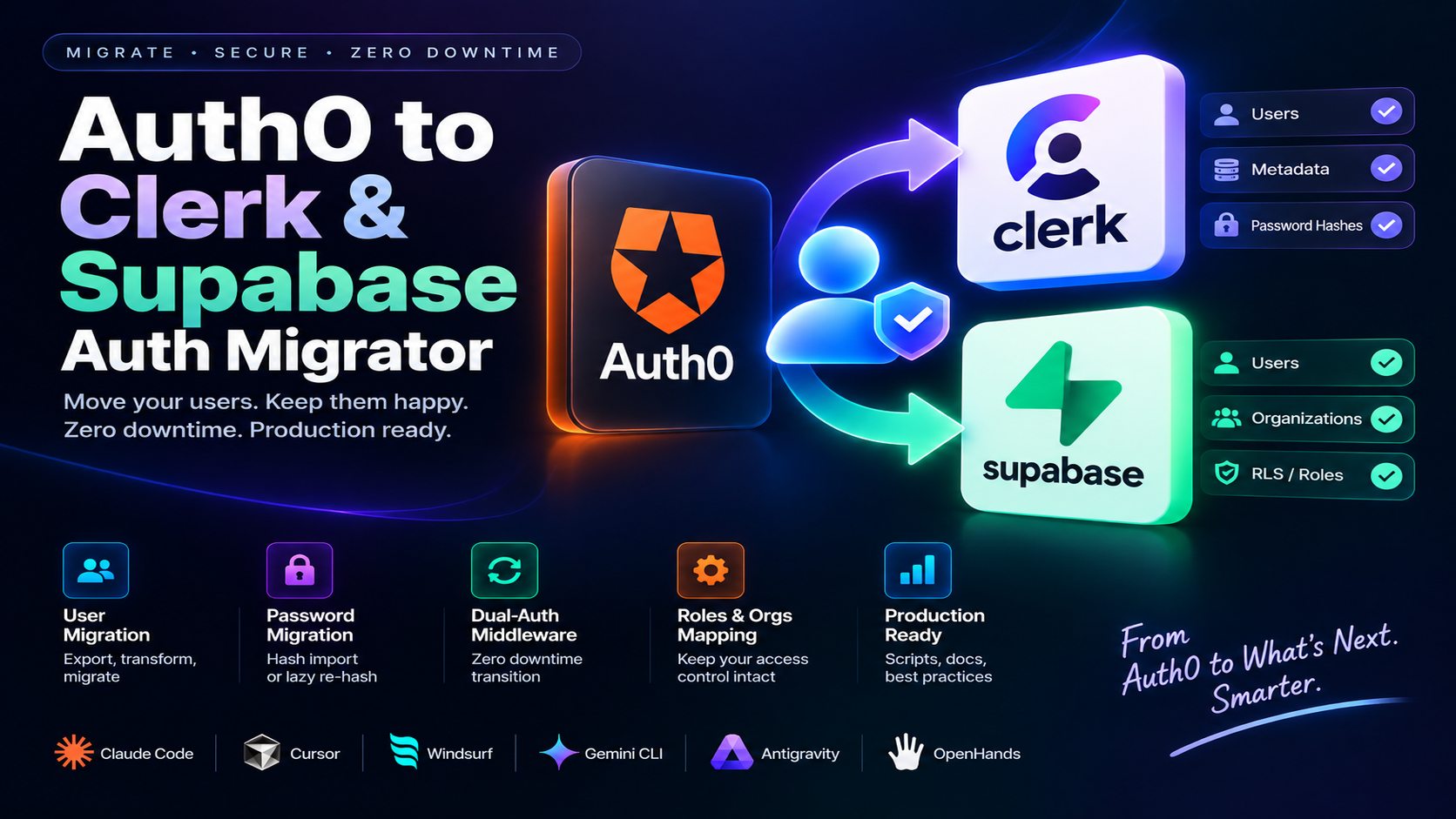
The actual job has five distinct phases: extract from Auth0, transform into the target schema, stand up a dual-auth window, map roles and organizations, then verify before cutover. Skipping straight from export to import is where password resets, orphaned RBAC permissions, and broken SSO links come from.
1. Extracting Users and Metadata Before You Migrate Auth0 Users to Clerk
The source of truth is either the Auth0 Management API or a raw export file in JSON or NDJSON format. Each user record needs to be parsed for its full identity footprint, not just email and password:
- User ID
- Email address and email verification status
- Created timestamp
user_metadata(user-editable profile fields)app_metadata(roles, org IDs, entitlements, the fields that break silently if dropped)
What's conspicuously absent from that list: the password hash. Auth0's Management API (/api/v2/users) doesn't return it under any normal export, this is a deliberate security boundary, not a gap in the API. A bulk hash export exists only if you've filed a separate request with Auth0 Support and they've granted it for your tenant (and depending on plan and connection type, they may not). Before writing a single line of transformation code, find out which situation you're actually in, it changes what Phase 2 and Phase 3 look like for every user in the export.
Skipping that check is how a migration project loses a week: someone writes the whole bulk-hash pipeline assuming the export will contain hashes, then discovers on day one of the real migration that it doesn't.
2. Transforming into Clerk or Supabase's Bulk Import Format
Here's the part that's easy to assume is symmetric between the two targets and isn't: Clerk has a real bulk password-hash import (password_hasher + password_digest), so a user covered by a granted Auth0 hash export can land in Clerk still able to log in with their existing password. Supabase has no equivalent. Its Admin API creates the account and metadata, but there's no parameter for handing it a pre-computed hash, so for Supabase, every user's password gets set the same way: lazily, the first time they log in through the dual-auth flow in Phase 3, not through a bulk import step here.
| Field | Clerk Bulk Import JSON | Supabase Admin API |
|---|---|---|
| Identity | user_id, email_address[] |
email (via auth.admin.createUser) |
| Password | password_hasher, password_digest, only if Auth0 granted a hash export |
not set here, always deferred to the Phase 3 login flow |
| Verification | implied by email object status | email_confirm: true |
| Legacy reference | public_metadata.legacy_auth0_id |
user_metadata.legacy_auth0_id |
| Roles/Orgs | public_metadata.organizationId |
mapped separately via RLS policy |
The Clerk record below only applies to a user whose hash actually came from a granted Auth0 export, this is the exception case, not the default:
[
  {
    "user_id": "usr_auth0_legacy_101",
    "email_address": ["developer@company.com"],
    "password_hasher": "bcrypt",
    "password_digest": "$2a$10$abcdef123456...",
    "first_name": "Alex",
    "last_name": "Dev",
    "public_metadata": { "organizationId": "org_999" }
  }
]
For Supabase, skip the temptation to INSERT directly into auth.users, it's missing required columns (instance_id, aud, role) and, more importantly, it never creates the matching row in auth.identities, which Supabase's auth actually checks for email/password sign-in. The Admin API creates both correctly, with no password set yet:
// scripts/migrate-to-supabase.ts
import { createClient } from "@supabase/supabase-js";
const supabase = createClient(process.env.SUPABASE_URL!, process.env.SUPABASE_SERVICE_ROLE_KEY!);

async function migrateUserAccount(auth0User: { email: string; auth0Id: string }) {
  const { data, error } = await supabase.auth.admin.createUser({
    email: auth0User.email,
    email_confirm: true,
    user_metadata: { legacy_auth0_id: auth0User.auth0Id },
    // No password here, this account can't sign in with one until the user
    // completes the lazy-migration login flow in Phase 3.
  });
  if (error) throw error;
  return data.user;
}
3. Running Both Auth Providers During the Transition Window
This is the phase most teams underestimate, and it's also where the actual password migration happens for the majority of users, not a background job, a specific login route. Two separate pieces do the work.
The middleware only checks whether an existing session is valid. It doesn't touch a password, and it doesn't hand-parse Auth0's session cookie either, that cookie (appSession in the older Auth0 Next.js SDK v3, __session in v4) is an encrypted blob the SDK manages itself, not a JWT you decode with a generic verifier:
// middleware/dualAuth.ts
import { NextRequest, NextResponse } from "next/server";
import { getClerkSession } from "@/lib/clerk";
import { getAuth0Session } from "@auth0/nextjs-auth0"; // the SDK's own accessor, check the exact API for your SDK version

export async function dualAuthMiddleware(req: NextRequest) {
  // 1. Check Clerk session first
  const clerkUser = await getClerkSession(req);
  if (clerkUser) return NextResponse.next();

  // 2. Fallback to legacy Auth0 session, read through the SDK itself
  const auth0Session = await getAuth0Session(req);
  if (auth0Session?.user) return NextResponse.next();

  return NextResponse.redirect(new URL("/login", req.url));
}
The password migration itself happens in the login route, the one place a plaintext password legitimately passes through the system:
// app/api/login/route.ts
import { verifyAuth0Credentials } from "@/lib/auth0";
import { createClerkUserWithPassword, hasClerkAccount } from "@/lib/clerk";

export async function POST(req: Request) {
  const { email, password } = await req.json();
  if (await hasClerkAccount(email)) {
    // already migrated, ordinary Clerk sign-in from here
  }

  // Verifying credentials directly against Auth0 uses its password grant (ROPG), a grant type
  // that must be explicitly enabled on the Auth0 application/connection. Plenty of tenants,
  // especially newer ones, have it off by default. If it's not available, Auth0's documented
  // alternative is a Custom Database migration connection, or a one-time password-reset email.
  const auth0User = await verifyAuth0Credentials(email, password);
  if (!auth0User) return new Response("Invalid credentials", { status: 401 });

  const clerkUser = await createClerkUserWithPassword(email, password, {
    legacy_auth0_id: auth0User.user_id,
  });
  return Response.json({ userId: clerkUser.id });
}
A 30-day window is a reasonable default for most user bases: long enough that inactive users still get migrated on their next login, short enough that you're not maintaining two auth systems indefinitely.
4. Mapping Roles, Permissions, and Organizations
Auth0 Roles and Permissions don't map to a single Clerk or Supabase concept, they split across two different mechanisms depending on the target. Auth0 Organizations map to Clerk Organizations directly. Auth0 Roles and fine-grained Permissions map to Supabase Row-Level Security policies when Supabase is the target, since Supabase doesn't have a native Roles object the way Clerk does.
5. Verifying Before You Cut Over
Two checks gate the actual cutover: a validation script, for the hash-export path, confirming migrated hashes are actually accepted by the new provider's login flow, not just present in the database, and for the lazy-migration path, confirming a test login through Phase 3 actually creates a working account, plus the DNS/redirect URI updates for production, staged so they can be rolled back in minutes if the login rate drops after the switch.
Automating the Full Workflow to Migrate Auth0 Users to Clerk
The Auth0 to Clerk & Supabase Auth Migrator skill runs all five phases from a single prompt, parsing the Auth0 export, generating the Clerk or Supabase bulk import files, writing the dual-auth middleware for your framework, and producing the RBAC mapping and cutover checklist:
"Using the auth0-to-clerk-migrator skill, parse this Auth0 user export JSON and generate a validated Clerk bulk migration JSON file with bcrypt password hashes, assuming Auth0 has granted a hash export for this tenant; otherwise, set up the lazy re-hash-at-login path instead."
Frequently Asked Questions
Can it migrate existing passwords without forcing user password resets?
Yes, through one of two paths depending on the target and what Auth0 has granted. If Auth0 has approved a hash export for your tenant, Clerk accepts the bcrypt/argon2 digest directly through its bulk import, Supabase has no equivalent bulk hash import, so its users (and any Clerk user without a granted export) get migrated through a lazy re-hash the first time they log in via the dual-auth flow. Either way, nobody is forced to reset their password up front.
Does it handle Auth0 Organizations and Roles?
Yes, Phase 4 maps Auth0 Roles, Permissions, and Organizations into Clerk Organizations or Supabase Row-Level Security policies, depending on the migration target.
What's the actual zero-downtime migration strategy?
A dual-auth middleware pattern authenticates against Clerk first and falls back to Auth0 for any session that hasn't migrated yet, moving users over automatically on their next login instead of forcing a hard cutover date.



Comments
Comments are reviewed before appearing publicly.
No comments yet — be the first.