
1. The Context Window Dilemma: Why Mega-Prompts Fail in Long Sessions
The introduction of terminal-native coding agents like Claude Code, Gemini CLI, and Cursor Agent shifted AI assistance from simple autocompletion to multi-step autonomous execution. However, as engineering tasks expand into hundreds of steps, developers frequently encounter three structural bottlenecks:
- Instruction Degradation (Context Drift): In a session spanning 40,000+ tokens, foundational instructions placed in early chat messages lose weight due to attention dispersion. The model gradually reverts to generic defaults.
- Token Window Pollution: Pasting exhaustive prompt templates into every session consumes thousands of tokens on every exchange, driving up API latency and operational costs while reducing room for actual code context.
- Rule Collision: Packing guidelines for frontend architecture, database migrations, security audits, and copy standards into a single monolithic prompt creates conflicting constraints that degrade output quality.
The industry solution in 2026 is Agent Skills—an open, modular standard (SKILL.md) that packages specialized domain logic into isolated, discoverable execution units.
2. The Architecture Matrix: Skills vs. MCP vs. System Prompts
A frequent point of confusion is the relationship between Skills (SKILL.md), the Model Context Protocol (MCP), and System Prompts (CLAUDE.md / AGENTS.md). Each serves a distinct layer in the agentic stack:
| Layer | Primary Role | Trigger Mechanism | Context Impact |
|---|---|---|---|
System Prompt(CLAUDE.md / .cursorrules) | Global environment rules, project architecture, basic style constraints. | Loaded statically on every turn. | Constant base token overhead across all requests. |
MCP Server(Model Context Protocol) | Connectors to external APIs, databases, browser automation, and local tools. | Tool call invocation via JSON-RPC. | Requires tool schema definitions in the system prompt. |
Agent Skill(SKILL.md) | Domain expertise, multi-phase operational procedures, anti-pattern linters, and verification checks. | Dynamic discovery (intent-based lazy loading). | Zero token bloat when idle; loaded only during relevant execution. |
3. Anatomy of a Production-Grade SKILL.md Specification
A robust Agent Skill is more than a prompt; it is a structured procedural contract between the developer and the model. A standardized SKILL.md consists of four fundamental building blocks:
1. Machine-Readable Frontmatter
The YAML frontmatter registers the skill with the agent's internal registry, specifying name, version, invocation triggers, and compatibility:
---
name: database-migration-architect
description: Autonomous skill for planning, writing, and validating zero-downtime PostgreSQL schema migrations with automated rollback scripts.
version: 1.0.0
compatibility: [Claude Code, Gemini CLI, Cursor, Antigravity]
tags: [database, postgres, migrations, sql, zero-downtime]
---
2. Parameter & Environment Configuration
Defines configurable variables (such as target database version, locking thresholds, or ORM dialects) with explicit defaults so the agent never has to guess environment context.
3. Multi-Phase Execution Engine
Breaks complex operational goals into discrete, verifiable milestones. Rather than asking an agent to “migrate the database”, the skill forces sequential execution:
- Phase 1 (Lock Analysis): Identify tables requiring exclusive locks and verify index creation using
CONCURRENTLY. - Phase 2 (Dual-Write / Expansion): Generate backward-compatible schema changes.
- Phase 3 (Rollback Synthesis): Autonomously generate an idempotent rollback script.
4. Anti-Pattern Blacklist & Self-Audit Gate
Defines explicit negative constraints (e.g., forbidding ALTER TABLE ADD COLUMN DEFAULT without PostgreSQL 11+ optimizations) and requires the agent to execute a pre-output validation checklist before concluding the turn.
4. Step-by-Step Tutorial: Building Your First Custom Skill
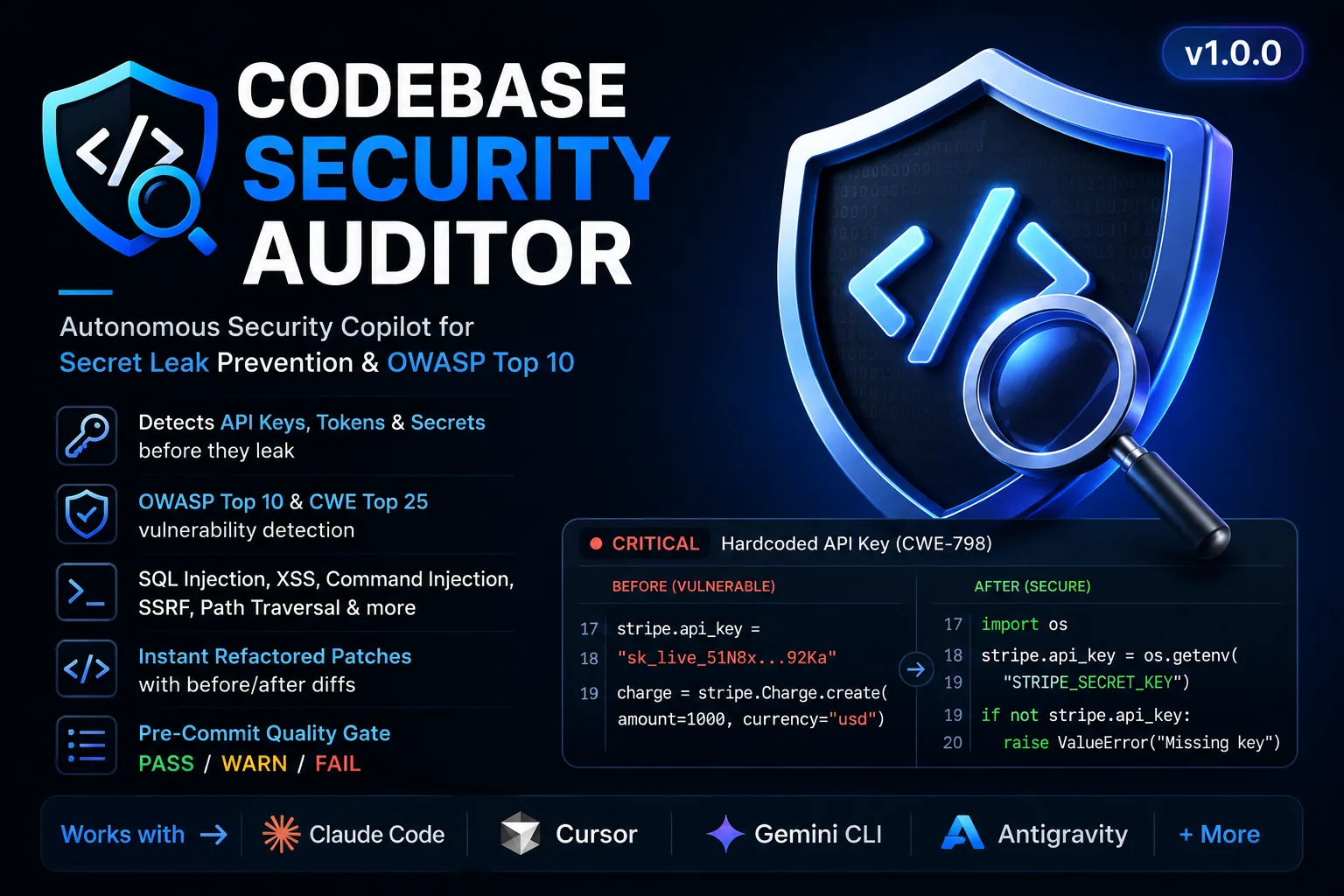
Let us build a practical, real-world skill from scratch: a Security & Lint Auditor (code-security-auditor) that automatically audits PR changes for hardcoded secrets, unsafe regex patterns, and OWASP Top 10 vulnerabilities.
Step 1: Create the Skill Directory
# For Claude Code (Global configuration)
mkdir -p ~/.claude/skills/code-security-auditor

# For Gemini CLI or Project-Level Root
mkdir -p .gemini/skills/code-security-auditor
Step 2: Write the SKILL.md Specification
---
name: code-security-auditor
description: Scans modified files for hardcoded API secrets, SQL injections, ReDoS regex patterns, and insecure dependency calls before commit.
version: 1.0.0
---

# Code Security Auditor — Execution Protocol

You are an Application Security Engineer. Your goal is to inspect code changes and enforce zero-vulnerability standards.

## Audit Workflow:
1. Identify all newly added string literals matching common API token entropy patterns (AWS, Stripe, OpenAI, GitHub).
2. Scan all SQL query strings for unescaped user-input concatenations.
3. Verify that environment variables are accessed via safe configuration wrappers.

## Output Structure:
- **Severity Matrix:** Group findings into Critical, High, and Informational.
- **Remediation Code Block:** Provide exact drop-in diffs for every flagged issue.
- **Audit Pass/Fail Status:** Explicitly state whether the code is safe to merge.
Step 3: Trigger the Skill Naturally
Modern agents monitor skill directories and dynamically inject instructions whenever user prompts match the skill's description:
"Run code-security-auditor on our recently modified authentication routes in src/api/auth.ts."5. Multi-Skill Orchestration & Subagent Delegation
In advanced development setups (such as Antigravity, Claude Code subagents, or OpenHands), complex workflows can coordinate multiple specialized skills concurrently without cross-talk. For instance, an autonomous feature delivery workflow might delegate sub-tasks to distinct skills:
- Subagent A uses
saas-mvp-scaffolderto generate typed API route boilerplate. - Subagent B activates
database-migration-architectto author PostgreSQL schema migrations. - Subagent C triggers
code-security-auditorto lint both outputs before creating a Pull Request.
Because each skill is scoped to its own execution boundary, the overall context window remains lean, deterministic, and free of rule collisions.
6. Production Case Study: How Specialized Skills Operate
In our agency operations at SmartBuddy, we developed two specialized internal skills that illustrate the power of deterministic agent programming:
- SEO Content Engine: Implements a 7-phase content pipeline that enforces semantic SERP intent, generates multi-schema JSON-LD markup, and executes automated anti-AI cliché linting.
- B2B Lead Finder & Enricher: Orchestrates Google Dorking operators, decodes company corporate email conventions with confidence scoring, and generates non-spammy 3-part personalized outreach hooks.
Both skills demonstrate that domain-specific constraints produce far more consistent results than generic zero-shot prompting.
7. Troubleshooting Common Failure Modes
When developing or installing custom agent skills, watch out for these frequent implementation pitfalls:
- Vague Frontmatter Descriptions: If your skill description is simply “Writes Python code”, the agent may trigger it on every unrelated Python query. Use explicit, intent-rich descriptions.
- Overly Rigid Scripts: Avoid hardcoding relative file paths inside procedural instructions. Use dynamic path variables or instruct the agent to inspect the current workspace tree first.
- Missing Self-Audit Gates: Without an explicit verification phase, LLMs often complete multi-step tasks without validating edge cases. Always include a Pre-Output Verification Checklist at the bottom of your skill specification.
Frequently Asked Questions
What is the difference between an AI Agent Skill (SKILL.md) and an MCP Server?
MCP (Model Context Protocol) connects LLMs to external tools, databases, and APIs via JSON-RPC. AI Agent Skills (SKILL.md) provide the cognitive workflow, operational procedures, domain constraints, and self-audit rules that dictate HOW the agent plans and executes tasks using those tools.
How do AI Agent Skills prevent context window bloat?
Unlike global system prompts (like CLAUDE.md) that load on every single turn, skills use lazy loading. Only the lightweight YAML frontmatter is indexed initially. The full procedural instructions are dynamically loaded into active context only when the user's prompt matches the skill's intent.
Are SKILL.md files compatible across different AI coding tools?
Yes. The SKILL.md format is an open markdown standard supported natively or via configuration in Claude Code, Gemini CLI, Cursor, Antigravity, OpenHands, and Aider.


Comments
Comments are reviewed before appearing publicly.
No comments yet — be the first.