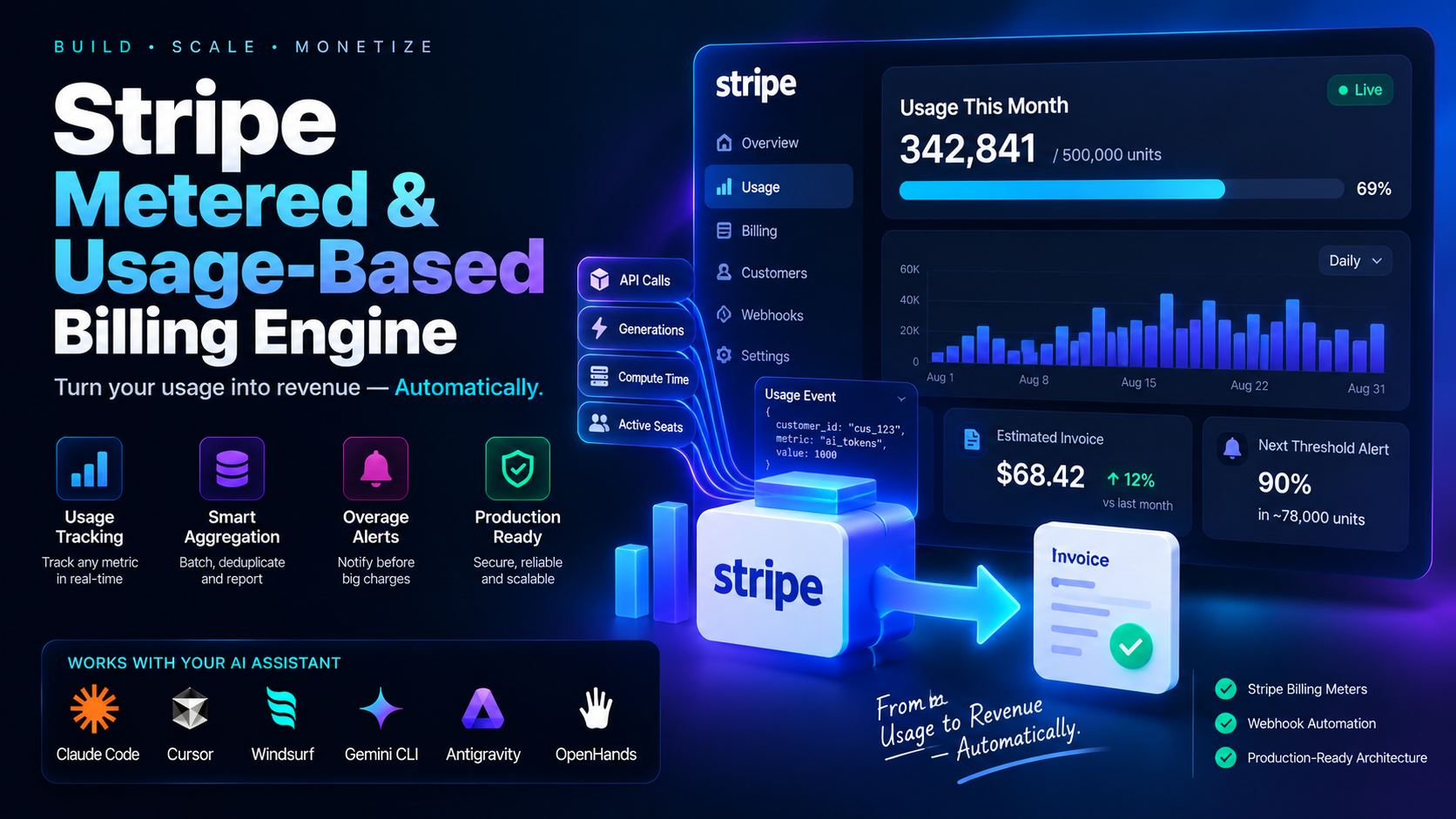
Metered Billing Looks Simple Until the Meter Runs at Scale
Ask an AI coding assistant to implement a Stripe metered billing API and you'll get a working call to Stripe's meter events endpoint inside a few minutes. What you probably won't get, unless you ask for it directly, is a plan for what happens when that call gets retried. A serverless function that times out after sending the request but before receiving the response, a queue worker that crashes mid-batch and reprocesses its last job on restart, a frontend that double-fires a webhook handler, all three send the same usage event to Stripe a second time. Without a deduplication key, Stripe counts it twice, and a customer who made 40,000 API calls gets billed for 80,000.
The stripe-metered-billing-engine skill builds the layer that prevents this, structured as five phases: metric and aggregation definition, meter and price creation, a buffered usage reporter with idempotent identifiers, overage threshold webhooks, and a customer-facing usage view. If you're trying to implement a Stripe metered billing API instead of wiring the happy path and hoping retries never happen, here's the order these phases run in.
1. Pick the Right Aggregation Mode Before Writing Any Code
Phase 1 starts with a decision that's easy to get wrong after the fact: how does a metric collapse into one number per billing period? Stripe's Billing Meters support three aggregation formulas, and picking the wrong one means re-migrating every price object later.
| Aggregation Mode | What It Computes | Fits This Kind of Metric |
|---|---|---|
sum |
Adds every reported value across the billing period | API requests, tokens processed, emails sent, anything that accumulates |
last_during_period |
Takes the most recent reported value in the period, ignoring earlier ones | Active seat count, storage used right now, state, not accumulation |
max |
Keeps the highest single value reported during the period | Peak concurrent connections, peak compute instances, capacity billing |
Charging for AI token consumption with last_during_period would only bill for the last request of the month. Charging for active seats with sum would bill for every login as if it were a new seat. The skill asks for the metric name (api_credits_consumed, ai_token_usage), the aggregation mode, and the base inclusive units before generating anything, because Phase 2's price object depends entirely on that answer.
2. Create the Meter and the Tiered Price
Phase 2 generates the Stripe SDK calls that create the Billing Meter and attach it to a metered price with graduated tiers:
// scripts/create-stripe-meter.ts
import Stripe from "stripe";
import { STRIPE_API_VERSION } from "../config/stripe"; // one place to bump, not hardcoded per file
const stripe = new Stripe(process.env.STRIPE_SECRET_KEY!, { apiVersion: STRIPE_API_VERSION });

async function setupMeteredPrice() {
  // 1. Create the Billing Meter
  const meter = await stripe.billing.meters.create({
    display_name: "AI Tokens Processed",
    event_name: "ai_token_usage",
    default_aggregation: { formula: "sum" },
  });

  // 2. Attach a graduated tiered price to that meter
  const price = await stripe.prices.create({
    currency: "usd",
    recurring: {
      interval: "month",
      meter: meter.id,
      usage_type: "metered",
    },
    billing_scheme: "tiered",
    tiers_mode: "graduated",
    tiers: [
      { up_to: 100000, flat_amount: 2900 },          // $29 base includes 100k tokens
      { up_to: "inf", unit_amount_decimal: "0.05" },  // $0.0005 per token after that
    ],
    product: "prod_AiPlatformSeat",
  });

  console.log(`Created Metered Price: ${price.id}`);
}
The event_name on the meter, ai_token_usage here, is the string every usage event has to match exactly. Get that wrong in the reporting pipeline and Stripe silently ignores the event instead of erroring, which is a worse failure than a crash because nobody notices until the invoice comes out short.
3. Report Usage Without Double-Counting on Retries
Phase 3 is the part worth reading closely, because this is where the duplicate-charge bug actually gets prevented, and where a single function that calls meterEvents.create() directly falls short. A direct call has nowhere to go if Stripe is slow or down: it either blocks the request that generated the usage, or it throws and the usage is lost. The actual pipeline separates recording usage from reporting it:
// lib/metering.ts, write path: a local DB write, nothing else. Can't be blocked by Stripe.
import { db } from "./db";
import { randomUUID } from "crypto";

export async function recordUsageEvent(customerId: string, tokens: number, sourceEventId: string) {
  // Deterministic key, built from a caller-owned identifier (the request/job ID that produced
  // this usage), never a fresh UUID generated on each attempt, which would defeat deduplication.
  const idempotencyKey = `usage_${customerId}_${sourceEventId}`;
  await db.usageOutbox.upsert({
    where: { idempotencyKey },
    create: { id: randomUUID(), idempotencyKey, customerId, tokens, status: "pending", createdAt: new Date() },
    update: {}, // already queued under this key, a retry is a no-op, not a duplicate
  });
}
// lib/metering-flush.ts, flush path: runs on a schedule (cron / worker), batches, retries, never
// loses an event even if Stripe is down for an extended period.
//
// A plain `findMany({ where: { status: "pending" } })` is not safe with more than one worker:
// two concurrent flush runs (overlapping cron schedules, multiple instances) can both select
// the same "pending" rows and both report them to Stripe. Claim rows atomically first, via a
// lease/status transition guarded by row locking, so only one worker ever owns a given row.
import Stripe from "stripe";
import { STRIPE_API_VERSION } from "../config/stripe";
import { db } from "./db";

const stripe = new Stripe(process.env.STRIPE_SECRET_KEY!, { apiVersion: STRIPE_API_VERSION });
const BATCH_SIZE = 200; // tuned to Stripe's rate limits, not an arbitrary requests-per-second guess
const LEASE_DURATION_MS = 60_000; // a crashed worker's claim expires and becomes reclaimable
const MAX_RETRY_COUNT = 10; // beyond this, dead-letter instead of retrying forever

export async function flushPendingUsage() {
  // Atomic claim: transition "pending" (or an expired lease) rows to "processing" with this
  // worker's lease, using SELECT ... FOR UPDATE SKIP LOCKED so concurrent workers each grab a
  // disjoint set of rows instead of racing on the same ones.
  const claimed = await db.$transaction(async (tx) => {
    const rows = await tx.$queryRaw`
      SELECT id FROM usage_outbox
      WHERE (status = 'pending' OR (status = 'processing' AND lease_expires_at < now()))
        AND retry_count < ${MAX_RETRY_COUNT}
      ORDER BY created_at
      LIMIT ${BATCH_SIZE}
      FOR UPDATE SKIP LOCKED
    `;
    const ids = rows.map((r: { id: string }) => r.id);
    if (ids.length > 0) {
      await tx.usageOutbox.updateMany({
        where: { id: { in: ids } },
        data: { status: "processing", leaseExpiresAt: new Date(Date.now() + LEASE_DURATION_MS) },
      });
    }
    return tx.usageOutbox.findMany({ where: { id: { in: ids } } });
  });

  for (const item of claimed) {
    try {
      // Stripe's own `identifier`-based dedup is a second layer of defense, not a substitute
      // for the local claim above, it protects against re-sending the same event, but does
      // nothing to stop two workers from both attempting to process it concurrently.
      await stripe.billing.meterEvents.create({
        event_name: "ai_token_usage",
        payload: { stripe_customer_id: item.customerId, value: item.tokens.toString() },
        identifier: item.idempotencyKey,
        timestamp: Math.floor(item.createdAt.getTime() / 1000),
      });
      await db.usageOutbox.update({ where: { id: item.id }, data: { status: "sent" } });
    } catch (err) {
      const nextRetryCount = item.retryCount + 1;
      await db.usageOutbox.update({
        where: { id: item.id },
        data: {
          status: nextRetryCount >= MAX_RETRY_COUNT ? "dead_letter" : "pending",
          retryCount: nextRetryCount,
          lastError: String(err),
        },
      });
      console.error("meter event flush failed", { id: item.id, retryCount: nextRetryCount, err });
    }
  }
}
recordUsageEvent is what the rest of the app calls, it's a local DB write, so it can't be blocked by Stripe being down, and it can't silently double-report on a retry because the upsert key is stable. flushPendingUsage is the only thing that talks to Stripe's network, on its own schedule, batched, with per-item retry, atomic claiming, lease expiry, and a dead-letter path for events that keep failing. That's the batching and buffering: two separate functions with two separate jobs, not a single call with a comment claiming it's buffered.
4. Warn Customers Before the Overage Bill Arrives
Here's a detail worth being precise about: neither customer.subscription.updated nor invoice.upcoming tells you a customer just crossed 90% of their quota. Those events fire on subscription and invoice lifecycle changes, they carry no usage-volume information at all. Detecting a threshold means actually computing the customer's usage for the current billing period (the same totals the Phase 3 outbox already tracks) and comparing it against their plan's included quota:
// lib/usage-alerts.ts
const THRESHOLDS = [0.8, 0.9, 1.0]; // 80% / 90% / 100% of included quota

export async function checkUsageThresholds(customerId: string, includedQuota: number) {
  const used = await getCurrentPeriodUsage(customerId); // sums Phase 3's outbox for this period
  const ratio = used / includedQuota;
  for (const threshold of THRESHOLDS) {
    if (ratio >= threshold && !(await alreadyAlerted(customerId, threshold))) {
      await sendOverageAlert(customerId, threshold, used, includedQuota);
      await markAlerted(customerId, threshold);
    }
  }
}
invoice.upcoming still earns a place in the pipeline, as a last-chance notice right before the invoice finalizes, but it's a complement to actual usage tracking, not a substitute for it. A customer who gets an early, accurate warning can upgrade their plan before the overage hits; a customer who only hears about it when the invoice lands is a support ticket and, often, a churn risk.
5. Show the Customer Their Own Usage Before Stripe Does
Phase 5 outputs a customer portal component with a usage progress bar for the current billing cycle and an estimated total for the upcoming invoice. Without this, the overage webhooks from Phase 4 are the only place a customer learns they're approaching their limit, an email, easy to miss, arriving after the fact. A visible meter inside the product itself is what turns "surprise overage charge" into a number the customer was already watching climb.
How to Implement a Stripe Metered Billing API in One Prompt
The skill ships as a single SKILL.md file. Drop it into your assistant's skills directory and describe the pricing model in plain language:
"Using the stripe-metered-billing-engine skill, construct a full usage-based billing
engine with Stripe Billing Meters for an AI SaaS charging $0.002 per generation."
It loads in Claude Code, Cursor, Windsurf, Gemini CLI, Google Antigravity, and OpenHands, and every phase runs inside your local session, there's no external network permission required beyond the Stripe API calls your own generated code makes.
Frequently Asked Questions
Which Stripe metering mechanisms does this skill implement?
Stripe's Billing Meters API, supporting all three aggregation formulas, sum, last_during_period, and max, mapped to the metric type you're billing for, from accumulating usage to point-in-time state.
How does it handle high-frequency usage reporting without hitting rate limits?
It generates a two-part pipeline: a write path that only ever touches a local database (so it can't be blocked or slowed by Stripe), and a separate scheduled flush path that batches those records and reports them to Stripe, sized against Stripe's actual rate limits rather than a fixed events-per-second number.
Does it warn customers before they get an overage charge, or only after?
Before. Phase 4 computes the customer's actual usage for the current period against their plan's included quota, customer.subscription.updated and invoice.upcoming alone don't carry that information, and fires notifications at configurable thresholds. Phase 5 adds a live usage progress bar to the customer portal so the number is visible before any warning email goes out.



Comments
Comments are reviewed before appearing publicly.
No comments yet — be the first.