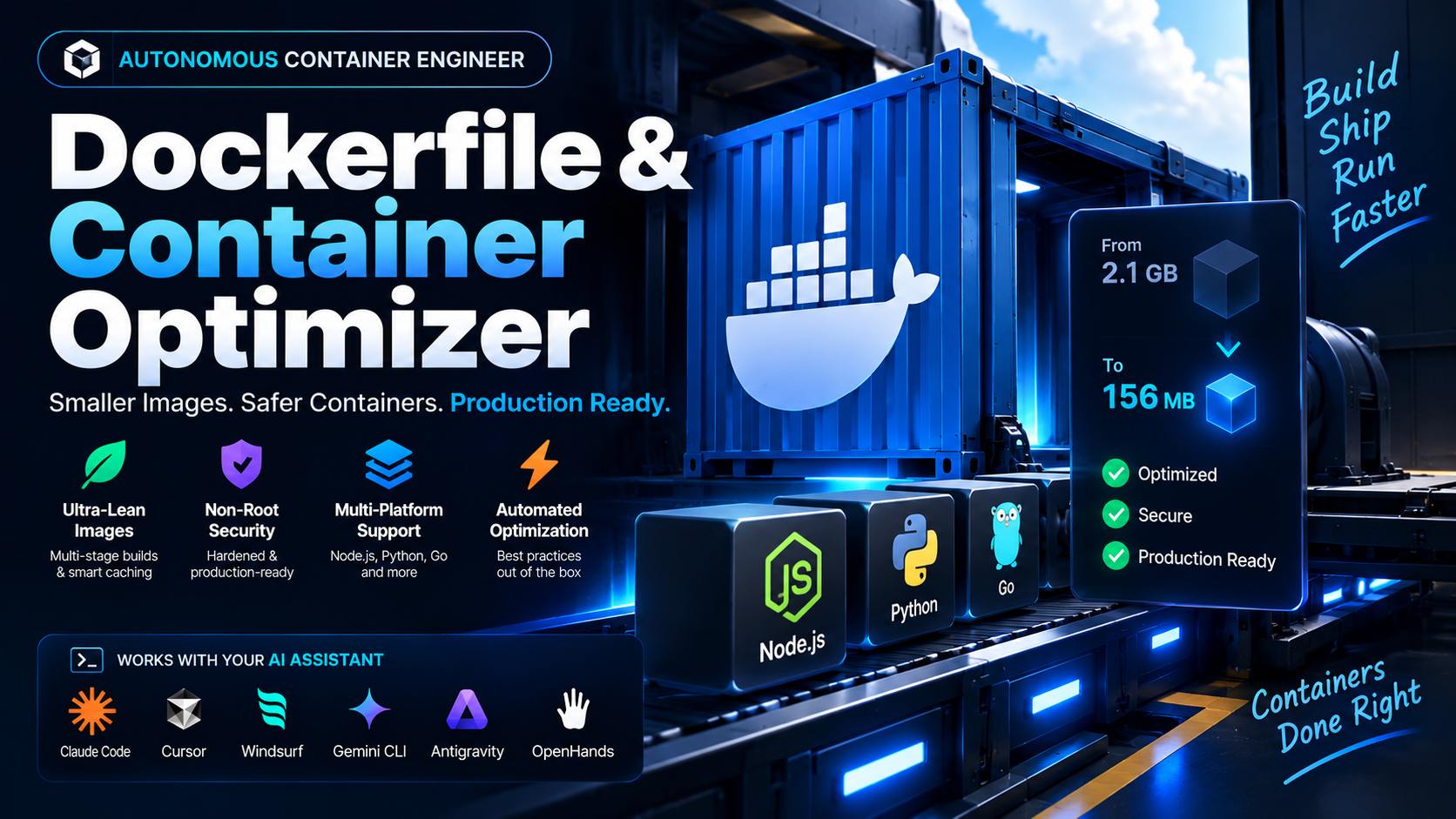
The Dockerfile Most Teams Ship on Day One
Ask an AI coding assistant for "a Dockerfile for my app" and it will usually hand back something that works: FROM node:20, COPY . ., RUN npm install, CMD ["node", "index.js"]. It builds. It runs. It also drags the full Node.js toolchain, every devDependency, .git, and whatever stray .env file sits in the project root into the image that gets pushed to a registry and pulled onto every production host.
That gap between "builds" and "should ship" is where multi-stage builds live. A build stage installs dependencies and compiles the app; a separate, minimal runtime stage copies over only what the process needs to run. The build stage's disk footprint, sometimes 800MB of compiler and cache, never leaves the builder.
What actually crosses the stage boundary: In a 3-stage Next.js build, only
.next/standalone,.next/static, andpublic/get copied into the finalrunnerstage. Thenode_modulesused to build the app, the TypeScript compiler, and the full source checkout stay behind in stages that are discarded after the build finishes.
Three Things a Bloated Image Actually Costs You
1. Registry Push and Pull Time
Every additional layer megabyte is a megabyte your CI pipeline pushes and every production node pulls on deploy. A 1.2GB image versus a 250MB image is the difference between a rollout finishing in seconds and one that queues behind a slow pull on an autoscaled node.
2. Attack Surface
A base image with a full OS, package manager, and shell gives an attacker who gets code execution a toolkit to work with. A scratch or distroless image with nothing but a static binary gives them almost nothing.
3. Root by Default
Unless a Dockerfile explicitly declares a USER instruction, the container process runs as root. If that process is compromised, the attacker inherits root inside the container, and depending on the runtime configuration, a path toward the host.
Multi-Stage Dockerfile by Ecosystem
The build shape differs by language, but the principle is identical: install and compile in a disposable stage, run in a stripped-down one.
| Ecosystem | Build Stage Base | Runtime Stage Base | Runtime User |
|---|---|---|---|
| Node.js / Next.js | node:20-alpine (deps + builder) |
node:20-alpine (standalone output only) |
nextjs (UID/GID 1001) |
| Python / FastAPI | python:3.12-slim + venv |
python:3.12-slim (venv copied in) |
appuser (UID 10001) |
| Go | golang (static compile) |
scratch or distroless |
non-root, no shell present |
Node.js: A 3-Stage Next.js Standalone Build
This shape separates dependency installation, application build, and the production runner into three distinct layers, then adds a dedicated non-root user before the process ever starts:
# Stage 1: Base Dependencies
FROM node:20-alpine AS deps
RUN apk add --no-cache libc6-compat
WORKDIR /app
COPY package.json pnpm-lock.yaml ./
RUN corepack enable pnpm && pnpm install --frozen-lockfile

# Stage 2: Application Builder
FROM node:20-alpine AS builder
WORKDIR /app
COPY --from=deps /app/node_modules ./node_modules
COPY . .
ENV NEXT_TELEMETRY_DISABLED=1
ENV NODE_ENV=production
RUN corepack enable pnpm && pnpm build

# Stage 3: Production Runner (Lean & Secure)
FROM node:20-alpine AS runner
WORKDIR /app
ENV NODE_ENV=production
ENV NEXT_TELEMETRY_DISABLED=1
ENV PORT=3000

RUN addgroup --system --gid 1001 nodejs && \
    adduser --system --uid 1001 nextjs

COPY --from=builder --chown=nextjs:nodejs /app/public ./public
COPY --from=builder --chown=nextjs:nodejs /app/.next/standalone ./
COPY --from=builder --chown=nextjs:nodejs /app/.next/static ./.next/static

USER nextjs
EXPOSE 3000
HEALTHCHECK --interval=30s --timeout=3s --retries=3 CMD wget -qO- http://localhost:3000/api/health || exit 1

CMD ["node", "server.js"]
Notice the COPY package.json pnpm-lock.yaml ./ line runs before COPY . . in the builder stage. That ordering is deliberate: Docker caches each layer by its inputs, so as long as the lockfile hasn't changed, pnpm install reuses the cached layer instead of reinstalling on every rebuild, even when application code changes constantly.
Python: Virtualenv Isolation for FastAPI
Python doesn't compile to a single binary, so the pattern shifts slightly: a builder stage creates a virtual environment and installs into it, and the runtime stage copies the finished venv directory rather than reinstalling anything:
FROM python:3.12-slim AS builder
WORKDIR /app
RUN python -m venv /opt/venv
ENV PATH="/opt/venv/bin:$PATH"
COPY requirements.txt .
RUN pip install --no-cache-dir -r requirements.txt

FROM python:3.12-slim AS runner
WORKDIR /app
COPY --from=builder /opt/venv /opt/venv
ENV PATH="/opt/venv/bin:$PATH"
RUN useradd -u 10001 appuser
COPY --chown=appuser:appuser . .
USER appuser
EXPOSE 8000
HEALTHCHECK --interval=30s --timeout=3s --retries=3 CMD python -c "import urllib.request; urllib.request.urlopen('http://localhost:8000/health')" || exit 1
CMD ["uvicorn", "main:app", "--host", "0.0.0.0", "--port", "8000"]
The runtime image never installs pip build dependencies directly, it only receives the already-populated /opt/venv, so gcc and any C-extension headers pulled in during install stay isolated in the builder layer.
Go: Static Binaries on Scratch
Go's static compilation makes it the extreme case: a compiled binary has no runtime dependencies at all, so the final image can be built from scratch, a base image with literally nothing in it, bringing total image size under 15MB. There's no shell, no package manager, and no OS for an attacker to pivot from, because there's no OS in the image to begin with.
scratch really does ship with nothing, though, so two things have to be copied in explicitly or they'll fail silently at runtime: CA certificates (/etc/ssl/certs/ca-certificates.crt, needed for any outbound HTTPS call) and timezone data (/usr/share/zoneinfo, only if the app loads named locations). And since there's no shell, a HEALTHCHECK CMD, which needs something to exec, isn't usable here; health checks on a scratch image belong at the orchestrator level instead.
Non-Root Execution and the Healthcheck Requirement
Two rules apply across every ecosystem covered above, independent of language:
- Non-root execution is not optional. Every runtime stage declares an explicit unprivileged
USER,nextjsat UID/GID 1001,appuserat UID 10001, before the container's entrypoint runs. A container that skips this defaults to root. - Every web service defines a
HEALTHCHECK. Without one, an orchestrator has no signal that a process is alive but unresponsive, it only knows the container process hasn't exited. This only works if the endpoint it hits (/api/health,/health) actually exists in the app, wire one up first, or the container reports unhealthy forever.
One more prerequisite specific to the Next.js example above: it only works if next.config.js has output: 'standalone' set. Without that flag, Next.js never emits the .next/standalone directory the final COPY step depends on.
Automating the Build with an Agent Skill
Working through base image selection, stage ordering, and a matching .dockerignore by hand for every service in a repo is exactly the kind of repetitive task an agent skill is built to absorb. The Production Dockerfile & Container Optimizer profiles a repository's lockfiles and runtime requirements, then generates the matching multi-stage Dockerfile, Node/Next.js standalone, Python virtualenv, or Go scratch/distroless, along with a .dockerignore that strips node_modules, .git, .env, and test artifacts before the build context is even sent to the Docker daemon.
"Using the dockerfile-multi-stage-optimizer skill, generate an optimized, non-root multi-stage Dockerfile and .dockerignore for our Next.js 15 application."The skill shrinks shipped image size versus a typical single-stage build by moving build-time tooling, compilers, headers, devDependencies, out of the layer that reaches production, while enforcing the non-root and healthcheck rules above by default rather than as an opt-in.
Frequently Asked Questions
Which language ecosystems does this actually cover?
Node.js and Next.js with standalone output, Python and FastAPI with virtualenv caching, and Go with scratch or distroless static compilation. Each ecosystem gets its own stage pattern rather than one generic template stretched across all three.
Why does copying package.json before the rest of the source matter?
Docker rebuilds a layer whenever any of its input files change. If the dependency manifest is copied and installed in its own layer before the full source tree is added, that install layer stays cached across rebuilds that only touch application code, so npm install or pip install doesn't rerun on every single build.
Does a non-root user meaningfully change container security?
Yes. Without an explicit USER instruction, a container process runs as root by default. Declaring a dedicated user with a fixed UID/GID, such as UID 10001 in the FastAPI example, means a compromised process doesn't automatically hand an attacker root privileges inside the container.



Comments
Comments are reviewed before appearing publicly.
No comments yet — be the first.