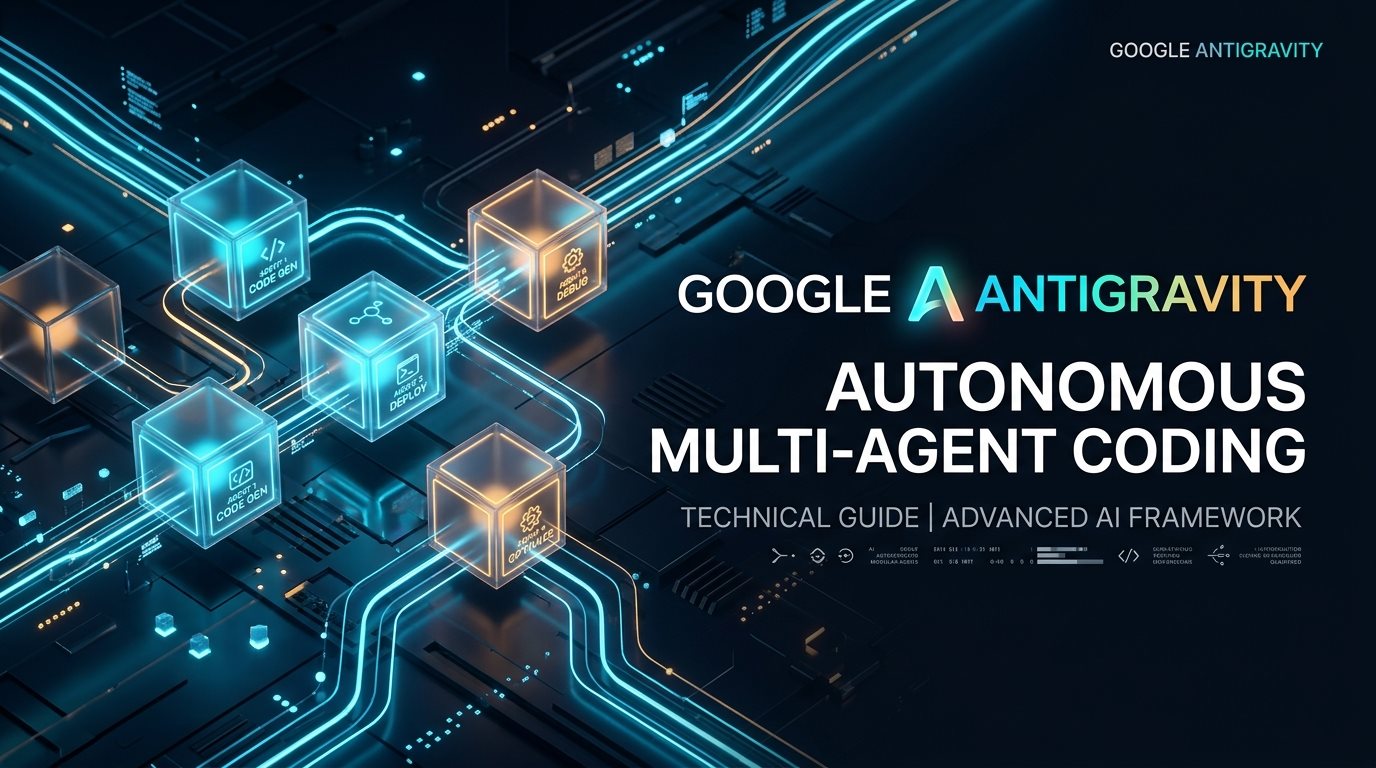
1. You Open a Task, and Nothing Gets Edited Yet
If you've used a coding assistant before, your instinct is to type a request and watch files change. Antigravity does something different on purpose: it reads first.
Ask it to add rate limiting to an API route, and instead of a diff, you get a research pass. It opens the route file, checks what middleware already runs, looks for an existing config pattern, and then stops. No file has moved. What you get next is a plan.
That pause is the whole point. Most damage from autonomous agents happens in the first thirty seconds, when a model reads an ambiguous prompt and starts rewriting things it half-understood. Antigravity forces a checkpoint before that can happen.
2. The Four Pieces That Make This Work
Skills load only when they're relevant
A SKILL.md is a self-contained package: instructions, maybe a script, maybe a reference doc. Antigravity doesn't stuff a thousand style rules into every prompt. It loads the DevOps skill when you're touching a Dockerfile and leaves it alone when you're writing a landing page.
The wakeup queue replaces polling
Older agent setups run a loop: check if the subprocess finished, sleep, check again, sleep again. That burns API calls for no reason. Antigravity's planner yields control when it kicks off something long, a test run, a build, three parallel subagents, and only wakes back up when one of those things actually finishes or fails.
Subagents don't pollute your context
Say you need to know which of forty files touch a deprecated auth function. A research subagent goes and reads all forty, and the main thread only sees its summary: which files, which lines, what pattern to fix. Your active conversation window never sees the other 39 files you didn't need.
The plan is a real artifact, not a suggestion
implementation_plan.md lists the proposed diffs, what needs your sign-off, and what's still unresolved. It sits in your project directory as a markdown file you can reread later, not a message that scrolls off the screen.
User Request ──> Read-Only Discovery ──> implementation_plan.md ──> [You approve] ──> Edit + Test + walkthrough.md
3. Where It Actually Differs From What You're Using Now
| Chat (Claude/ChatGPT web) | IDE autocomplete (Copilot, Cursor Tab) | Antigravity | |
|---|---|---|---|
| Reads your filesystem | No | Only the open file | Yes, on request |
| Runs shell commands | No | Rarely, manual approval | Yes, with background process tracking |
| Delegates to subagents | No | No | Yes, parent-child messaging |
| Forces a plan before editing | No | No | Yes, by default |
4. A Real Walkthrough
Here's what a session actually looks like, not the marketing version.
Step 1: Scope the workspace.
Get-ChildItem -Path "G:\My Drive\Project" -Recurse -Depth 2
Antigravity uses this to build a mental map before touching anything.
Step 2: Delegate the boring part.
{
  "Subagents": [
    {
      "TypeName": "research",
      "Role": "Security Code Auditor",
      "Prompt": "Audit all API endpoints in server/app.py for unescaped SQL queries and hardcoded secrets. Report findings in bullet points."
    }
  ]
}
You get the findings back as a clean list, not a wall of grep output.
Step 3: Never trust "it compiled."
pytest tests/ -v --tb=short
Antigravity runs this itself and reads the failure output before telling you it's done, instead of assuming success.
The part that trips people up: if you skim the plan and hit approve, you're approving whatever it wrote in "open questions" too, often silently. Read that section. It's usually where the actual judgment calls are hiding.
Frequently Asked Questions
Can I point Antigravity at a production codebase that already has history and conventions?
Yes. It reads existing structure through its file tools rather than assuming a blank slate, so it works inside an established repo without asking you to restructure anything first.
What stops it from looping forever on a failing command?
A step limit and repeat-failure detection. After a handful of identical failures, it stops, writes the failure trace into the transcript, and asks you what to do instead of retrying blindly.
Is an Artifact the same as a chat message?
No. A chat message disappears once the conversation scrolls. An artifact, like <code>implementation_plan.md</code> or <code>walkthrough.md</code>, is a real file saved to your project directory that survives after the conversation ends.



Comments
Comments are reviewed before appearing publicly.
No comments yet — be the first.