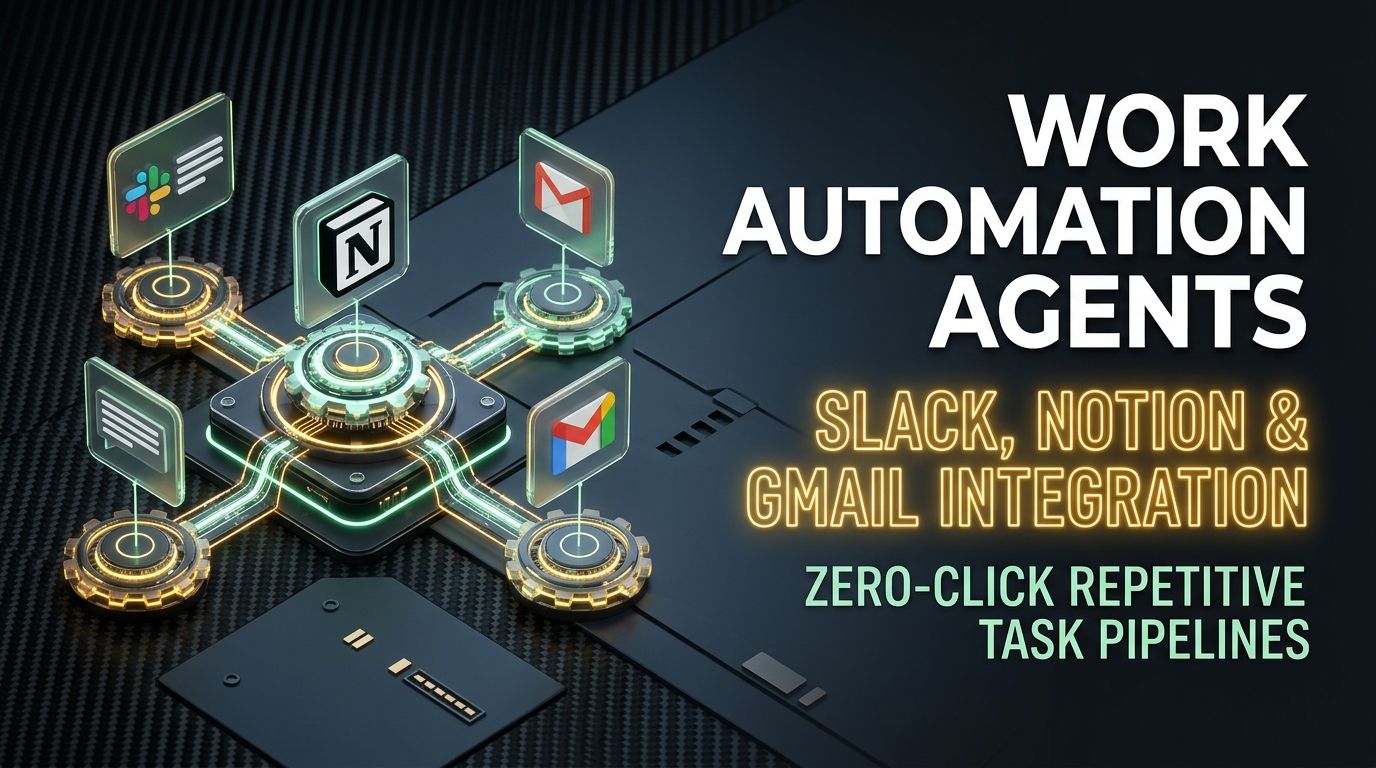
A client sends a change request by email. You copy the relevant part into a Notion task, post a heads-up in the engineering Slack channel, and update the status in whatever CRM you're using. Same information, typed into three different tools by hand, three separate chances to leave something out.
None of that work required judgment. It required attention, and attention is the thing that runs out first on a busy day.
Where the Day Actually Goes
Manual, the way most teams still do it:
Client email ──> copy-paste ──> Notion task ──> Slack update, typed separately ──> calendar entry, also typed

Wired at the webhook layer:
Client email
     │ (incoming webhook fires)
     ▼
Agent classifies intent, pulls out action items, assigns an owner
     │
     ├─────────────┼─────────────┐
     ▼             ▼             ▼
[Notion card] [Slack alert] [Draft reply, not sent]
Three Automations Worth Actually Building First
Route inbound email straight to a Notion task. When something matching your client filters lands in Gmail, a webhook pulls out the core request, scores urgency, and creates a pre-populated Notion ticket already tagged to the right engineer. Nobody has to notice the email and manually create the task.
Turn a Slack decision into a changelog entry. Important technical calls get made in threads and then buried by the next fifty messages. React to a thread with something like :memo:, and an agent summarizes the consensus, pulls out the reasoning, and appends it to your changelog repo, so the decision survives past the thread's fifteen-minute relevance window.
Digest async standups automatically. People post their three bullet points whenever they get to it. An agent aggregates them, flags anything that's blocked, and sends leadership a short summary instead of them scrolling a channel to piece it together themselves.
| Doing it by hand | Wired through webhooks | |
|---|---|---|
| Email triage and task creation | A recurring daily chore | Fires instantly on arrival |
| Meeting or thread summaries | Someone writes it up after | Generated from the real transcript |
| Keeping tools in sync | Easy to forget one | Bi-directional, automatic |
The Part That Actually Needs Guardrails
Idempotency matters more here than it sounds like it should. If a webhook call times out and your system retries it, and there's no idempotency key attached, you get the same Notion task created twice, or the same Slack alert posted twice. That's not a hypothetical, it's the first bug most people hit the week after they set this up.
And nothing here should send an email on your behalf without a human looking at it first. Draft replies, don't auto-send them, no matter how confident the classification looks.
Frequently Asked Questions
Could this accidentally send an email to a client without anyone reviewing it?
It shouldn't, if it's set up correctly. Configure the agent to save replies as drafts in Gmail rather than sending automatically, so a human reviews and sends with one click rather than the system doing it unsupervised.
What actually runs the automation underneath this?
Lightweight serverless functions, Cloudflare Workers or AWS Lambda, paired with something like Make.com or n8n for the orchestration layer. That combination tends to be reliable without becoming its own maintenance project.
How do you keep a flaky API from creating duplicate tasks?
Idempotency keys on every webhook retry. If the same request comes through twice because of a timeout, the key lets your system recognize it's already been processed instead of creating a second Notion card.



Comments
Comments are reviewed before appearing publicly.
No comments yet — be the first.