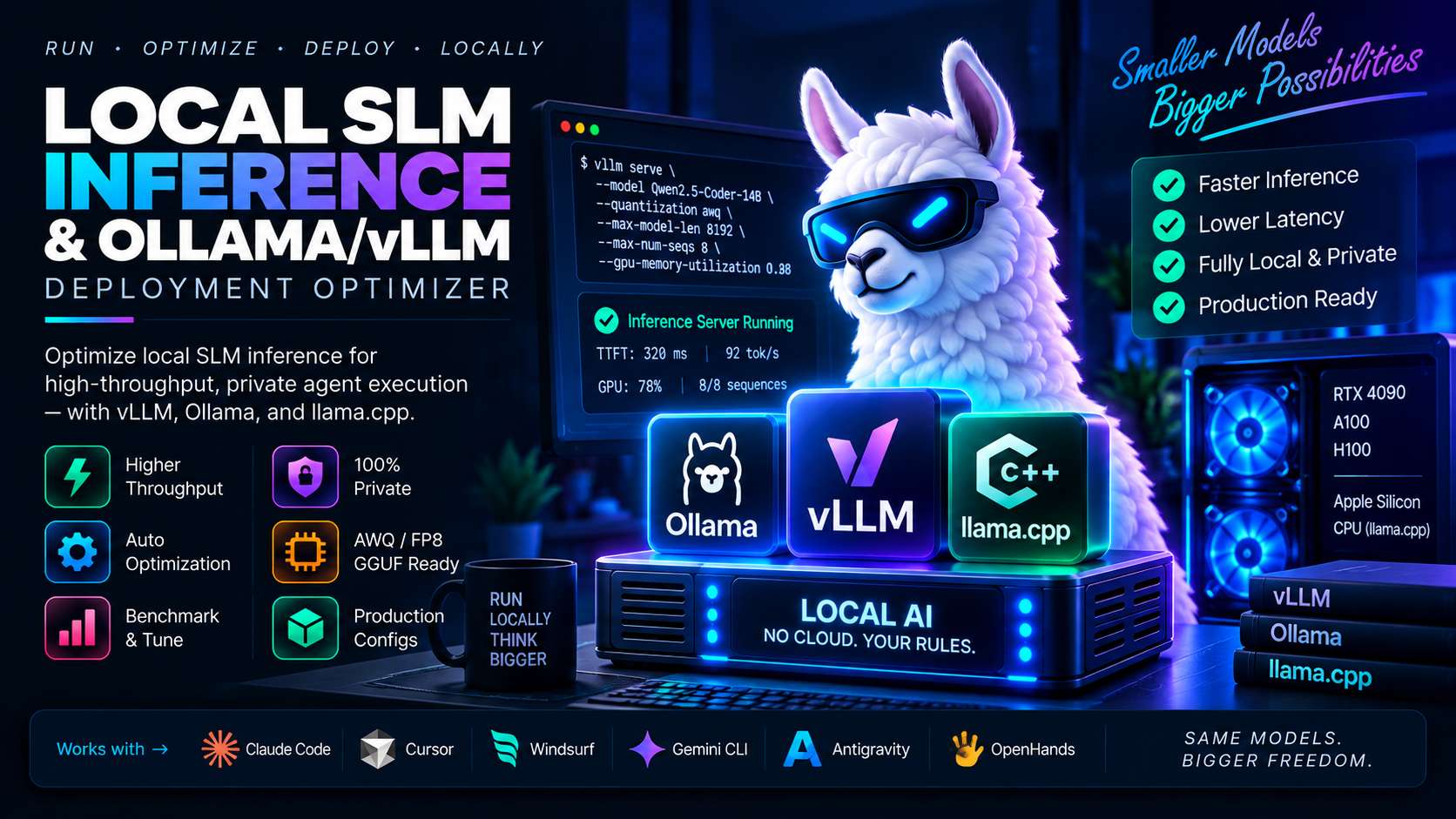
Sending every internal code snippet, database query, and agent scratchpad token to cloud API providers creates latency bottlenecks and privacy risks.
Small Language Models (SLMs) in the 7B to 14B parameter range (such as Qwen 2.5 Coder and Llama 3.1 8B) now rival frontier models on specialized coding and tool execution tasks. Running them locally on developer workstations or on-premise GPU nodes is entirely viable.
The challenge is deployment efficiency. Running an unoptimized model through standard Hugging Face pipelines wastes GPU memory and chokes throughput under concurrent agent loops.
Here is an architectural guide to tuning local SLM execution: calculating exact VRAM budgets, using GGUF quantization with Ollama for workstation setups, and deploying vLLM with PagedAttention and FP8/AWQ quantization for high-throughput server nodes.
Comparing Local Inference Engines: Ollama vs vLLM
Choosing between Ollama and vLLM depends directly on your hardware deployment target:
| Feature Dimension | Ollama / llama.cpp | vLLM Engine |
|---|---|---|
| Target Hardware | Apple Silicon Unified Memory, Consumer GPUs, CPUs | Dedicated NVIDIA Data Center / High-End GPUs (RTX 3090/4090, A100) |
| Weight Format | GGUF (Q4_K_M, Q5_K_M, Q8_0) | AWQ, GPTQ, native FP8, unquantized BF16 |
| Batching Mechanism | Sequential or basic parallel slots | Continuous batching with dynamic request preemption |
| KV-Cache Management | Static memory allocation | PagedAttention virtual memory mapping |
| Best Use Case | Local developer CLI tools and single-agent laptops | Multi-agent clusters, microservices, team-wide API backends |
The Deterministic VRAM Sizing Formula
Running out of GPU memory (OOM) during an active agent task halts the entire pipeline. Calculate your memory requirements before deploying:
usable_vram_gb   = total_gpu_vram_gb * gpu_memory_utilization (typically 0.88)
weights_gb       = params_billions * weight_bytes_per_param * 1.08 (quantization overhead)
kv_budget_gb     = usable_vram_gb - weights_gb - 1.5 (activation) - 0.6 (cuda reserve)

# KV Cache calculation per token:
kv_bytes_per_tok = 2 (K & V) * num_layers * num_kv_heads * head_dim * kv_bytes_per_elem
max_kv_tokens    = (kv_budget_gb * 1024^3) / kv_bytes_per_tok
Worked Example: Qwen2.5-Coder-14B on a 24GB RTX 4090
- Weights (AWQ 4-bit, 0.5 bytes/param): ~7.56 GB
- Usable VRAM (24GB $\times$ 0.88): 21.12 GB
- Remaining KV-cache budget: ~11.46 GB
- Result: Supports over 120,000 total tokens in active KV cache, allowing six concurrent agent sessions with 20,000 context windows each.
Configuring vLLM for Production Agent Workflows
Launch vLLM with PagedAttention and an explicit FP8 KV-cache to double available context headroom:
#!/usr/bin/env bash
# Production vLLM Launch Script for Agent Fleet

python -m vllm.entrypoints.openai.api_server \
  --model Qwen/Qwen2.5-Coder-14B-Instruct-AWQ \
  --quantization awq \
  --kv-cache-dtype fp8_e4m3 \
  --gpu-memory-utilization 0.88 \
  --max-model-len 32768 \
  --max-num-seqs 16 \
  --enable-chunked-prefill \
  --host 0.0.0.0 \
  --port 8000
--enable-chunked-prefill prevents large incoming agent prompts from blocking the generation of ongoing responses, maintaining low time-to-first-token (TTFT).
Workstation Tuning with Ollama & Custom Modelfiles
For developers working locally on Apple Silicon (M2/M3/M4) or laptop GPUs, create a custom Modelfile to lock in stable reasoning parameters:
FROM qwen2.5-coder:14b-instruct-q4_K_M

# Set context window to 16k tokens
PARAMETER num_ctx 16384

# Low temperature stops repetitive code degeneration
PARAMETER temperature 0.2
PARAMETER top_p 0.95
PARAMETER repeat_penalty 1.1

# Enforce clean code block outputs without conversational preamble
SYSTEM """You are a senior systems engineer. Provide working, production-grade code without conversational filler. Adhere strictly to user constraints."""
Build the local image:
ollama create qwen-coder-custom -f ModelfileFrequently Asked Questions
Can a 14B model replace Claude 3.5 Sonnet for coding?
For specific tasks like unit test generation, AST refactoring, and SQL writing, modern 14B models (Qwen 2.5 Coder) perform at near-frontier levels with zero API latency. For massive multi-file architectural planning, frontier models still hold an advantage.
Does FP8 KV-cache degrade output quality?
Extensive benchmarks show FP8 KV-cache (<code>fp8_e4m3</code>) incurs less than a 0.5 percent accuracy drop across coding benchmarks while halving memory consumption.
What causes token generation stuttering in Ollama?
Stuttering happens when context exceeds GPU VRAM, forcing layers to offload to system RAM. Lowering <code>num_ctx</code> or using a smaller quantization level (Q4_K_M instead of Q8_0) keeps all layers resident on the GPU.



Comments
Comments are reviewed before appearing publicly.
No comments yet — be the first.