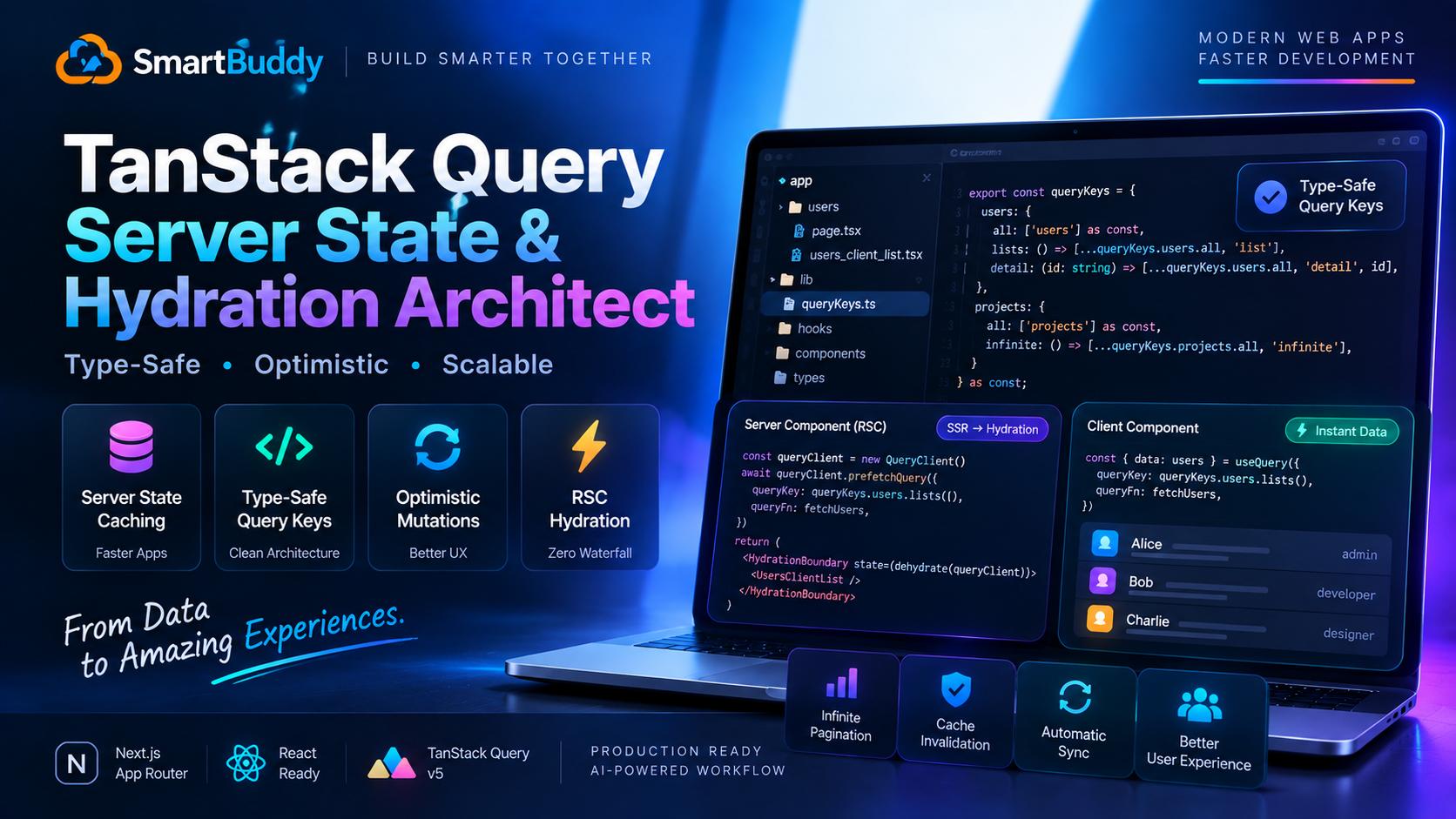
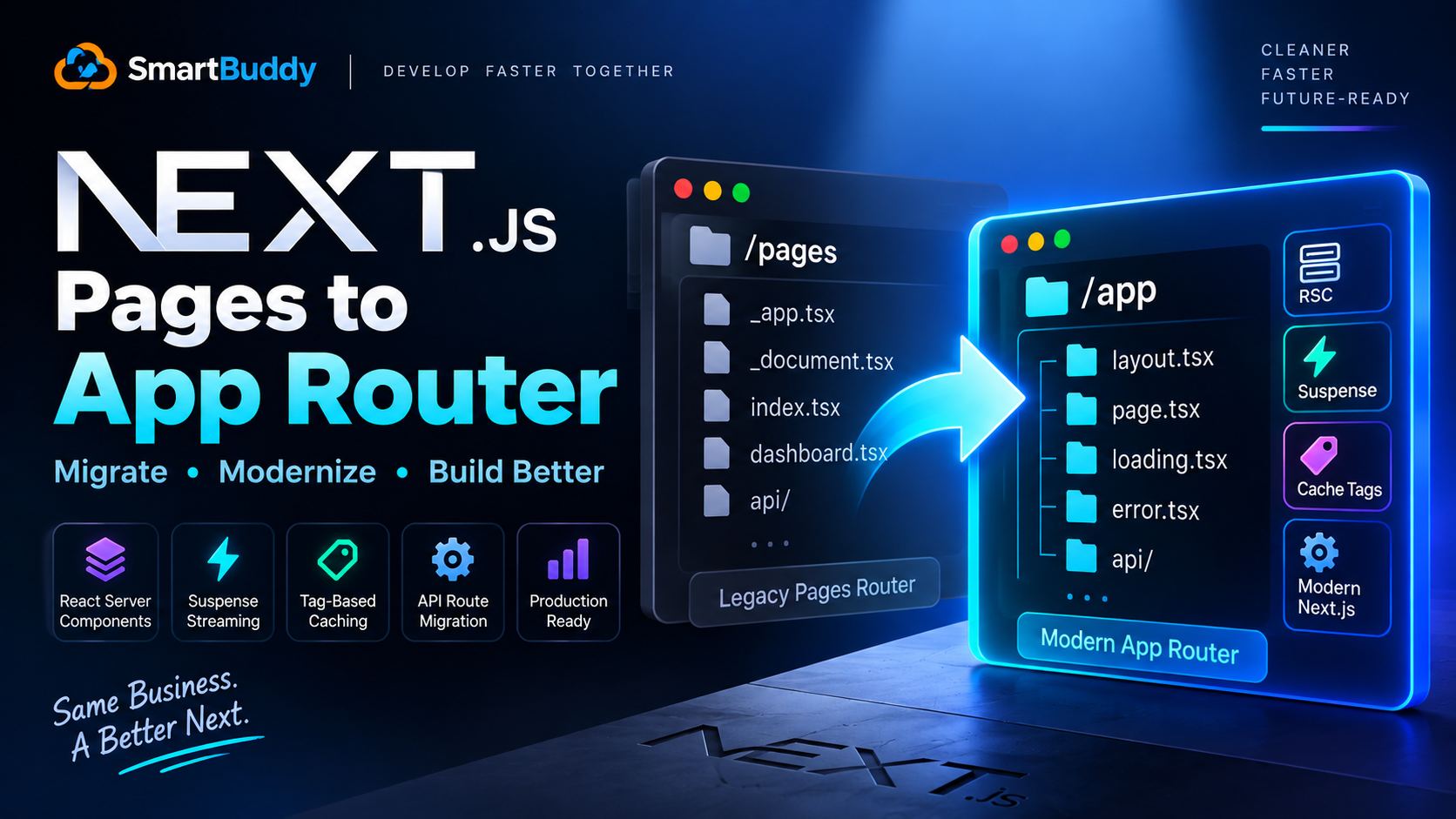
When engineering teams migrate to the Next.js App Router, one of the biggest points of confusion is where server state belongs.
Developers often ask: if React Server Components can fetch data directly on the server, do we still need TanStack Query?
A few weeks ago, Amir and I were upgrading an interactive SaaS dashboard with live filtering, optimistic mutations, and polling tables. Fetching solely inside Server Components created terrible UX: every filter change triggered a full server roundtrip, and optimistic updates were nearly impossible to orchestrate without full page re-renders.
TanStack Query v5 solves this cleanly when paired with React Server Components. The server prefetches data into a de-hydrated state, ships the HTML immediately, and the client hydrates that exact cache without firing a duplicate network request.
Here is the exact architecture we built to handle query keys, prefetching, and optimistic rollbacks.
The Common Traps in TanStack Query Setups
Before looking at the implementation, here are three mistakes we see teams make repeatedly:
- Hardcoded array keys: Passing
['users', userId, filter]as raw string arrays scattered across twenty components makes targeted cache invalidation a nightmare. - Double network fetches: Forgetting to wrap client trees in
HydrationBoundarycauses TanStack Query to immediately refetch data on the client that the server already fetched. - Unsafe optimistic updates: Mutating local cache before a server response without preserving a rollback context leaves users looking at corrupted UI if the network fails.
Centralized Query Key Factories
To keep cache keys predictable and type-safe, we never write bare arrays inside components. We define a centralized Query Key Factory:
// lib/query-keys.ts
export interface UserListFilters {
  role?: 'admin' | 'member';
  status?: 'active' | 'suspended';
  page?: number;
}

export const userKeys = {
  all: ['users'] as const,
  lists: () => [...userKeys.all, 'list'] as const,
  list: (filters: UserListFilters) => [...userKeys.lists(), filters] as const,
  details: () => [...userKeys.all, 'detail'] as const,
  detail: (id: string) => [...userKeys.details(), id] as const,
};
This hierarchy gives you precision. If an admin edits a single user profile, you can invalidate just userKeys.detail(id). If an admin creates a new user, you can invalidate userKeys.lists(), leaving individual user details intact in cache.
Server Component Prefetching with HydrationBoundary
Here is how you fetch data on the server and pass it straight into an interactive client component:
// app/users/page.tsx (Server Component)
import { dehydrate, HydrationBoundary, QueryClient } from '@tanstack/react-query';
import { userKeys } from '@/lib/query-keys';
import { fetchUsersOnServer } from '@/lib/api';
import { UserTableClient } from './UserTableClient';

export default async function UsersPage() {
  const queryClient = new QueryClient();

  // Prefetch data directly on the server
  await queryClient.prefetchQuery({
    queryKey: userKeys.list({ page: 1 }),
    queryFn: () => fetchUsersOnServer({ page: 1 }),
  });

  return (
    <HydrationBoundary state={dehydrate(queryClient)}>
      <main className="p-6 max-w-6xl mx-auto">
        <h1 className="text-2xl font-bold mb-4">Team Directory</h1>
        <UserTableClient />
      </main>
    </HydrationBoundary>
  );
}
Now look at the client component. Notice that useQuery uses the exact same key factory:
// app/users/UserTableClient.tsx (Client Component)
'use client';

import { useQuery } from '@tanstack/react-query';
import { userKeys } from '@/lib/query-keys';
import { fetchUsersOnClient } from '@/lib/api-client';

export function UserTableClient() {
  const { data, isLoading } = useQuery({
    queryKey: userKeys.list({ page: 1 }),
    queryFn: () => fetchUsersOnClient({ page: 1 }),
    staleTime: 1000 * 60 * 5, // Data stays fresh for 5 minutes
  });

  if (isLoading) return <div>Loading...</div>;

  return (
    <ul className="divide-y divide-slate-100">
      {data?.map((user) => (
        <li key={user.id} className="py-3 flex justify-between items-center">
          <span className="font-medium text-slate-800">{user.name}</span>
          <span className="text-xs px-2 py-1 rounded bg-slate-100">{user.role}</span>
        </li>
      ))}
    </ul>
  );
}
Because the server already seeded the cache, UserTableClient renders instantly on initial load with zero loading spinner and zero duplicate HTTP request.
Optimistic Updates with Error Rollback
When a user toggles an account status, they expect immediate visual feedback. Waiting 800 milliseconds for a network response makes the interface feel sluggish.
Here is the bulletproof pattern for optimistic updates with an automatic rollback on network failure:
// hooks/useUpdateUserStatus.ts
import { useMutation, useQueryClient } from '@tanstack/react-query';
import { userKeys } from '@/lib/query-keys';
import { apiUpdateUserStatus } from '@/lib/api-client';

export function useUpdateUserStatus(userId: string) {
  const queryClient = useQueryClient();

  return useMutation({
    mutationFn: (newStatus: 'active' | 'suspended') =>
      apiUpdateUserStatus(userId, newStatus),

    // Step 1: When mutate is called, cancel outgoing queries
    onMutate: async (newStatus) => {
      await queryClient.cancelQueries({ queryKey: userKeys.detail(userId) });

      // Snapshot the previous state for rollback
      const previousUser = queryClient.getQueryData(userKeys.detail(userId));

      // Optimistically update to the new value
      queryClient.setQueryData(userKeys.detail(userId), (old: any) => ({
        ...old,
        status: newStatus,
      }));

      // Return context object with snapshot data
      return { previousUser };
    },

    // Step 2: If the mutation fails, rollback to snapshot
    onError: (err, newStatus, context) => {
      if (context?.previousUser) {
        queryClient.setQueryData(userKeys.detail(userId), context.previousUser);
      }
    },

    // Step 3: Always refetch after error or success to sync with database
    onSettled: () => {
      queryClient.invalidateQueries({ queryKey: userKeys.detail(userId) });
    },
  });
}
Rules for Deciding Where State Belongs
- Server State (TanStack Query): Data that originates on a remote database, requires caching, background refreshing, or deduplication across components.
- URL State (searchParams): Filters, pagination, and search terms that should survive a page reload or be shareable via a link.
- Local UI State (useState): Ephemeral component states like open modals, hover states, and temporary draft fields.



Comments
Comments are reviewed before appearing publicly.
No comments yet — be the first.