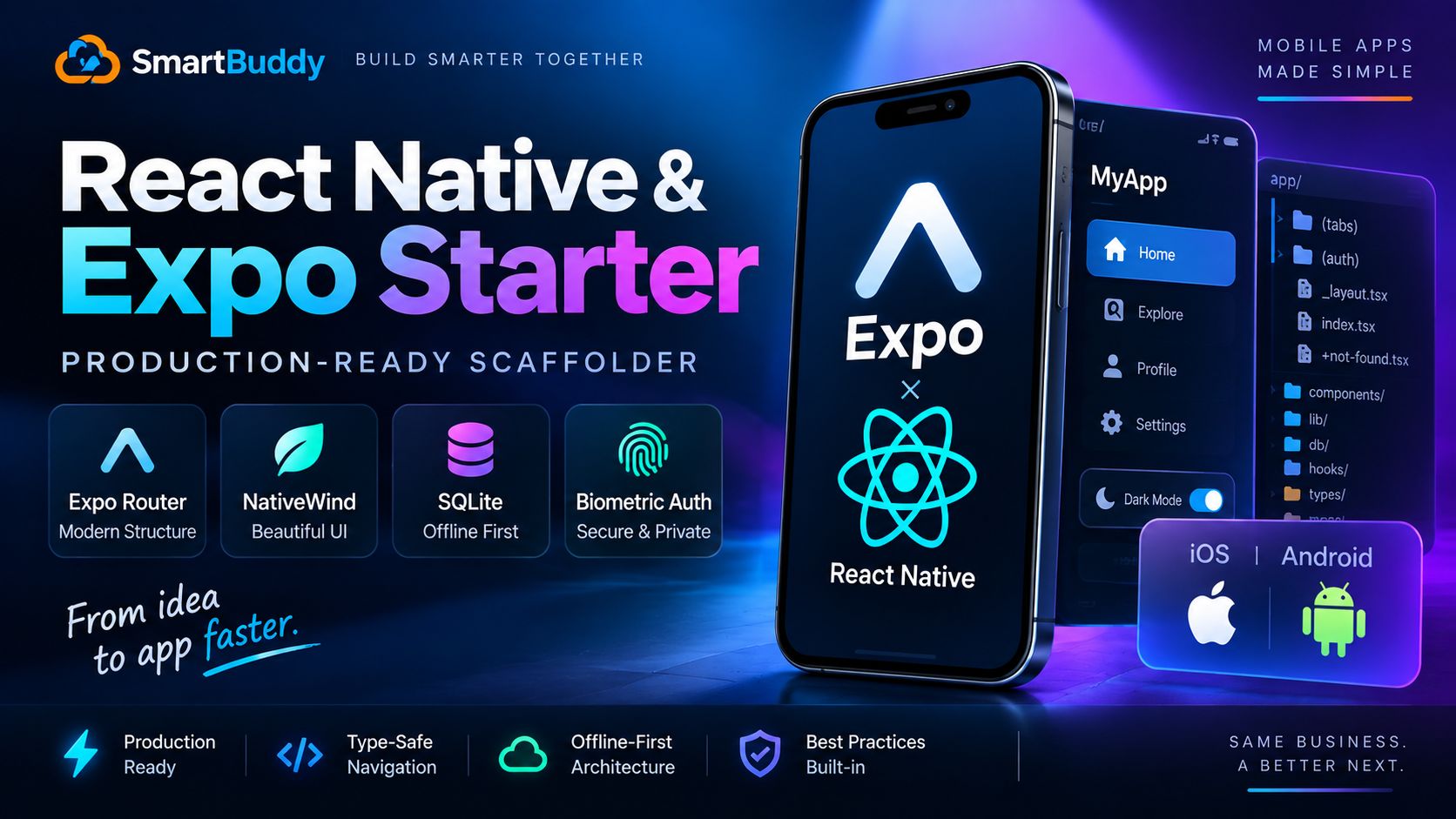
Starting a new mobile app used to mean spending three days wrestling with native CocoaPods, broken Android Gradle builds, and endless navigation boilerplate.
When Amir and I started building our latest client mobile project, we committed to doing it entirely within modern Expo. Specifically, Expo SDK 52 with Expo Router and NativeWind v4.
A lot of tutorials make mobile scaffolding look trivial. In practice, once you need typed navigation, offline database sync, and secure biometric authentication, small architectural mistakes compound fast. Missing configuration flags turn type errors into runtime crashes, and unhandled offline state leads to data corruption.
Here is the exact production architecture we built and battle-tested so you can skip the setup friction.
What Usually Breaks in New Expo Setups
Before looking at code, here are the three gotchas that cost us the most time:
- Typed routes are opt-in: Expo Router supports static route typing, but it does nothing until you explicitly add
"experiments": { "typedRoutes": true }to yourapp.json. - NativeWind v4 is CSS-native: Version 4 uses modern Tailwind CSS directives. You no longer configure babel plugins the old way; you use the Metro transformer.
- Offline storage needs async SQLite: The legacy synchronous SQLite module causes frame drops. Modern Expo requires
expo-sqlite's new async API with prepared statements.
File-Based Routing with Strict Typed Routes
We structured our navigation using file-based routing with tab groups and auth stacks.
First, enable route typing in app.json:
{
  "expo": {
    "name": "ProductionMobile",
    "slug": "production-mobile",
    "version": "1.0.0",
    "experiments": {
      "typedRoutes": true
    }
  }
}
Once enabled, running npx expo start auto-generates route definitions inside .expo/types/router.d.ts. If an engineer tries to push to a route that does not exist, TypeScript fails immediately at compile time.
Next, set up the root layout with QueryClient and NativeWind styling:
// app/_layout.tsx
import { Stack } from 'expo-router';
import { QueryClient, QueryClientProvider } from '@tanstack/react-query';
import '../global.css';

const queryClient = new QueryClient({
  defaultOptions: {
    queries: {
      retry: 2,
      staleTime: 1000 * 60 * 5,
    },
  },
});

export default function RootLayout() {
  return (
    <QueryClientProvider client={queryClient}>
      <Stack screenOptions={{ headerShown: false }}>
        <Stack.Screen name="(tabs)" />
        <Stack.Screen name="(auth)" options={{ presentation: 'modal' }} />
      </Stack>
    </QueryClientProvider>
  );
}
Offline-First Data Persistence with expo-sqlite
Mobile apps lose connectivity all the time, especially when users move between cell towers or subway tunnels. If your app shows a blank spinner the moment network cuts out, users uninstall it.
We built an offline caching layer using the modern async expo-sqlite driver. When the app boots, it initializes a local table and reads cached items before making any network requests.
// lib/db.ts
import * as SQLite from 'expo-sqlite';

let dbInstance: SQLite.SQLiteDatabase | null = null;

export async function getDatabase(): Promise<SQLite.SQLiteDatabase> {
  if (!dbInstance) {
    dbInstance = await SQLite.openDatabaseAsync('app_cache.db');
    await dbInstance.execAsync(`
      PRAGMA journal_mode = WAL;
      CREATE TABLE IF NOT EXISTS cached_tasks (
        id TEXT PRIMARY KEY NOT NULL,
        title TEXT NOT NULL,
        status TEXT NOT NULL,
        updated_at INTEGER NOT NULL
      );
    `);
  }
  return dbInstance;
}

export async function saveTasksOffline(tasks: Array<{ id: string; title: string; status: string }>) {
  const db = await getDatabase();
  const now = Date.now();

  await db.withTransactionAsync(async () => {
    for (const task of tasks) {
      await db.runAsync(
        'INSERT OR REPLACE INTO cached_tasks (id, title, status, updated_at) VALUES (?, ?, ?, ?);',
        [task.id, task.title, task.status, now]
      );
    }
  });
}

export async function getCachedTasks() {
  const db = await getDatabase();
  return db.getAllAsync<{ id: string; title: string; status: string }>(
    'SELECT id, title, status FROM cached_tasks ORDER BY updated_at DESC;'
  );
}
By pairing SQLite storage with TanStack Query, our UI renders immediately from local disk and updates in the background when the network responds.
Biometric Authentication and Secure Key Storage
Storing authentication tokens in regular AsyncStorage is insecure because unencrypted storage can be extracted on rooted or jailbroken devices.
We isolate sensitive refresh tokens inside expo-secure-store and guard access with Face ID or fingerprint checks using expo-local-authentication.
// lib/auth.ts
import * as SecureStore from 'expo-secure-store';
import * as LocalAuthentication from 'expo-local-authentication';

const TOKEN_KEY = 'user_session_token';

export async function authenticateWithBiometrics(): Promise<boolean> {
  const hasHardware = await LocalAuthentication.hasHardwareAsync();
  const isEnrolled = await LocalAuthentication.isEnrolledAsync();

  if (!hasHardware || !isEnrolled) {
    return false;
  }

  const result = await LocalAuthentication.authenticateAsync({
    promptMessage: 'Unlock with Face ID or Fingerprint',
    fallbackLabel: 'Enter Passcode',
  });

  return result.success;
}

export async function saveAuthToken(token: string): Promise<void> {
  await SecureStore.setItemAsync(TOKEN_KEY, token, {
    keychainAccessible: SecureStore.WHEN_UNLOCKED,
  });
}

export async function getAuthToken(): Promise<string | null> {
  return SecureStore.getItemAsync(TOKEN_KEY);
}
NativeWind v4 Styling for Cross-Platform Consistency
Styling in React Native used to require juggling StyleSheet.create and platform-specific ternary operators. NativeWind v4 allows us to use standard utility classes directly on native components without runtime penalty.
// components/TaskCard.tsx
import { View, Text, Pressable } from 'react-native';

interface TaskCardProps {
  title: string;
  status: string;
  onPress: () => void;
}

export function TaskCard({ title, status, onPress }: TaskCardProps) {
  const isComplete = status === 'completed';

  return (
    <Pressable
      onPress={onPress}
      className="p-4 mb-3 bg-white dark:bg-slate-800 rounded-2xl border border-slate-100 dark:border-slate-700 shadow-sm active:scale-98 transition-transform"
    >
      <View className="flex-row items-center justify-between">
        <Text className="text-base font-semibold text-slate-900 dark:text-slate-100">
          {title}
        </Text>
        <View className={`px-2.5 py-1 rounded-full ${isComplete ? 'bg-emerald-100 dark:bg-emerald-950' : 'bg-amber-100 dark:bg-amber-950'}`}>
          <Text className={`text-xs font-medium ${isComplete ? 'text-emerald-700 dark:text-emerald-400' : 'text-amber-700 dark:text-amber-400'}`}>
            {status}
          </Text>
        </View>
      </View>
    </Pressable>
  );
}
Notice how clean the markup remains. Dark mode variants and dynamic classes work right out of the box across both iOS and Android.
Real-World Lessons from Building Mobile Apps
- Test on physical devices early: Simulators hide SQLite performance hitches and biometric edge cases. Connect a real iPhone and Android test device during development.
- Handle token expiration gracefully: If a biometric check succeeds but the backend rejects an expired refresh token, clear storage and route users back to login immediately.
- Lock down build profiles: Set up EAS Build with clear development, preview, and production profiles in
eas.jsonbefore writing feature code.




Comments
Comments are reviewed before appearing publicly.
No comments yet — be the first.